FREE GUIDE FOR GOHIGHLEVEL USERS
Build apps with AI Studio and your AI coding assistant, without breaking what already works
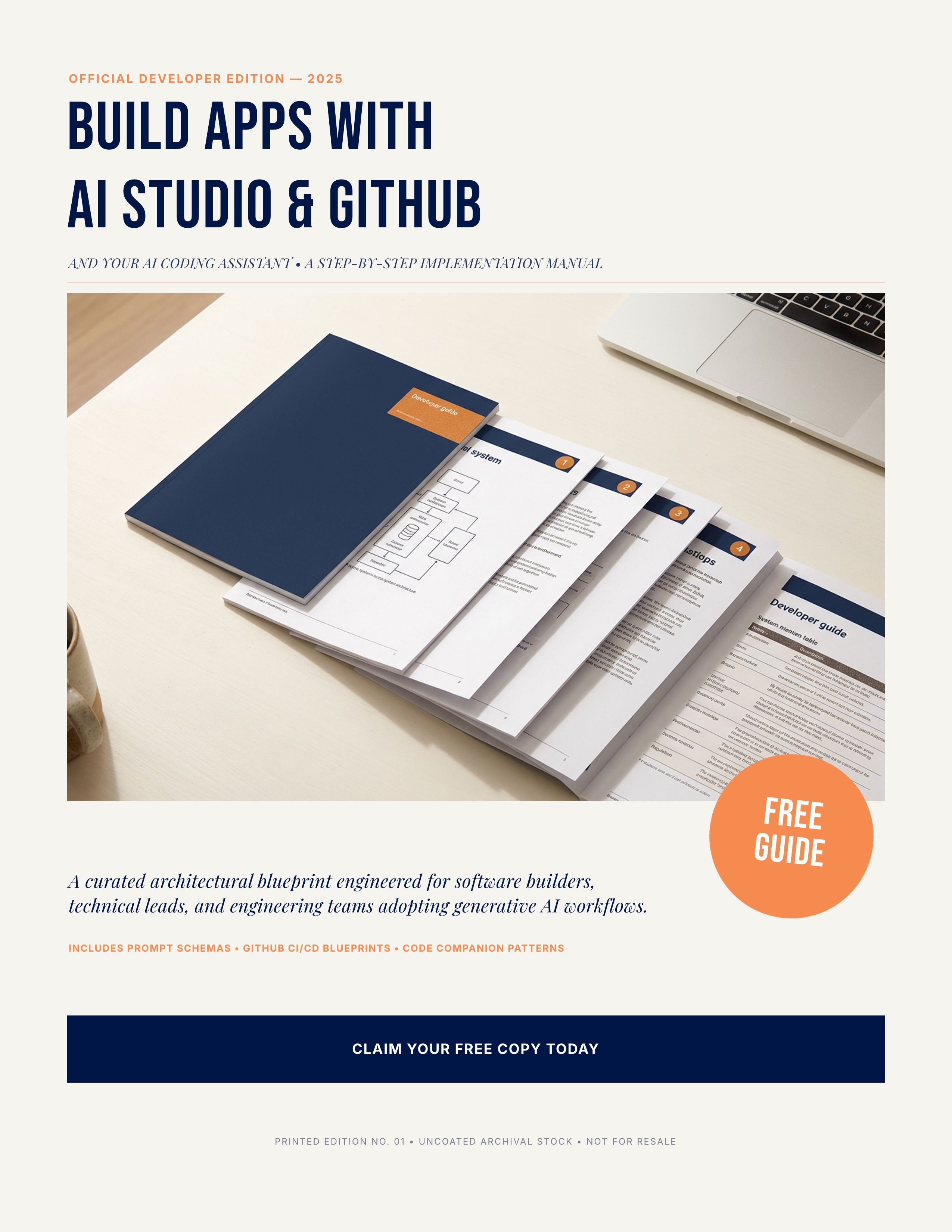
A short, practical guide to connecting GoHighLevel AI Studio to GitHub so Claude Code or Codex can make careful, focused changes to your app.
Inside the guide
- How AI Studio, GitHub, and your coding assistant fit together, and which one handles what
- The five-step setup that connects them, done once
- A daily loop for making changes without wrecking pages you already like
- Where your API keys belong, and the one place they never go
- How AI Studio forms create GoHighLevel contacts with no extra code
- A quick-reference table of the traps that cost the most rework
You also get free access to my membership: free courses and replays, plus three questions in Ask Kevin, which answers from my own training videos.
Who wrote this
Kevin Strite started as a computer programmer in the early 1980s. Today he builds apps on GoHighLevel AI Studio with Claude Code every week, including his own membership site, and he's worked with over 1,000 solopreneurs.
This guide is the setup he uses. It's built from the mistakes he's already made, so you can skip a few of them.
Start with one small app
A client intake page, a simple dashboard, a resource library. Pick one, and let the guide walk you through connecting it.